User Guide
Expense tracking
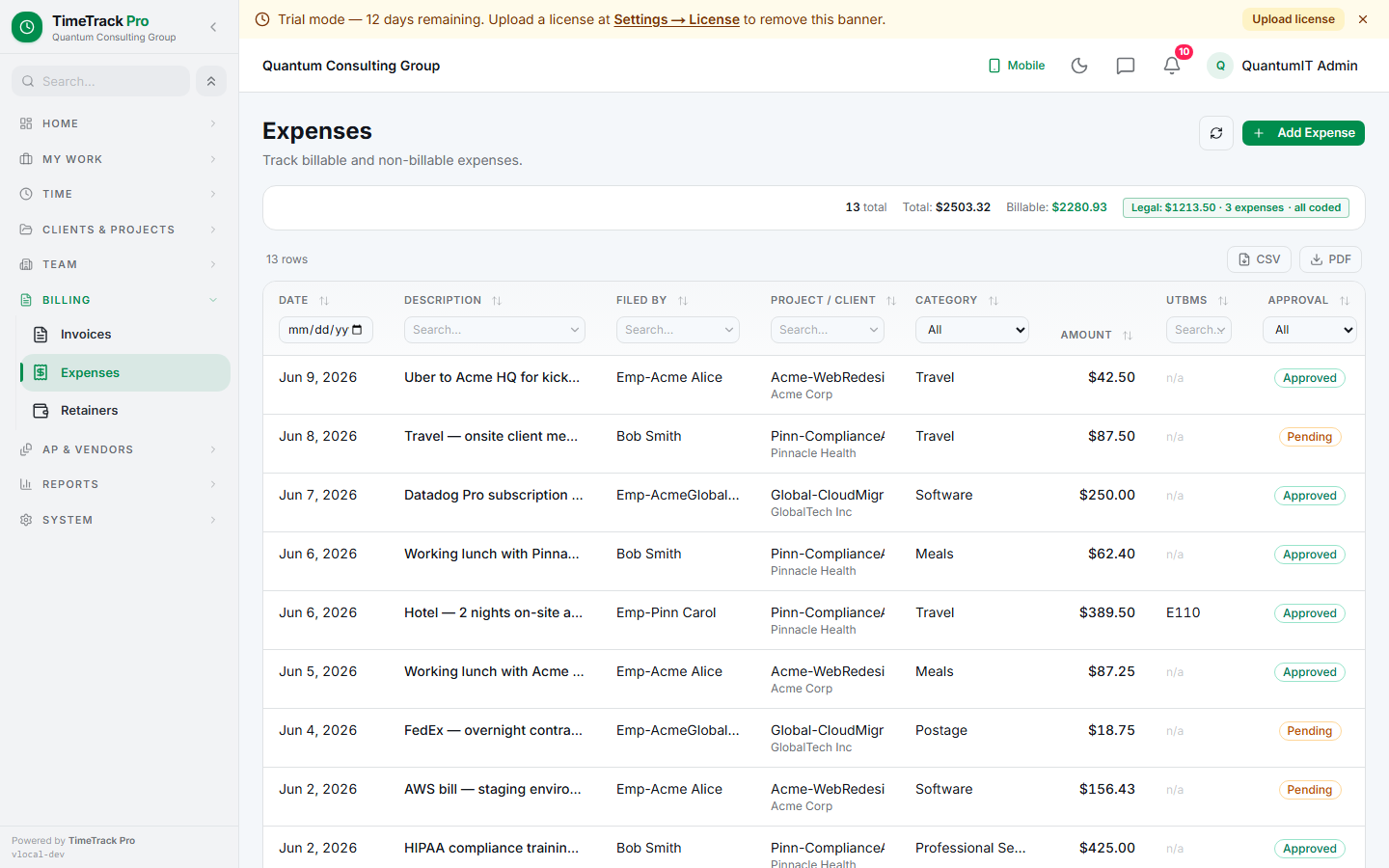
File expenses with receipts, route through approval, bundle billable expenses into invoices.
What an expense carries
- ✓Date + amount + currency
- ✓Category (9 options: travel, meals, software, etc.)
- ✓Optional billable flag for reimbursable
- ✓Multi-receipt upload (PDF / JPEG / PNG / WEBP, 10 MB each)
- ✓Optional project link
- ✓Approval status pill
Approval matrix — separation of duties
👑
Super admin filing
Auto-approved. Top-of-chain decisions have no further review needed.
👤
Manager filing on-behalf
Auto-approved. Manager has approval authority over their team.
🪞
Manager filing for self
Goes to pending. Only super_admin can approve — separation of duties.
🧑
Employee filing for self
Goes to pending. Manager or super_admin approves.
Employees can't file on-behalf
Route-layer block. Employees can only file expenses for themselves. If you need someone else's receipt logged, ask the right user to file it.
Filing on behalf
Admins + managers can pick a target user via the form's "Filing for" dropdown (same UX as time-entry on-behalf). The Project dropdown refetches the target's assigned projects, so you only see what they can legitimately bill against.
Bundling into invoices
Approved + billable + uninvoiced expenses appear in the Generate Invoice modal as a "Reimbursable Expenses" section. Selected expenses:
- ✓Become invoice lines with frozen text descriptions
- ✓Get linked back via expense.invoice_id
- ✓Default to non-taxable (tax paid upstream)
- ✓Lock from further edits (now invoiced)
Tip
Once an expense is invoiced, the row is read-only. Editing the underlying receipt or amount throws ValidationError. Need to fix? Void the invoice line first.
Vendor users don't file expenses here
Vendor users (vendor_admin / vendor_member) can't file expenses in this surface — firm-side only. Vendor reimbursement goes through vendor invoices with
kind = expense lines instead, which lets the vendor submit + the firm approve as a single AP transaction.