Invoicing & billing
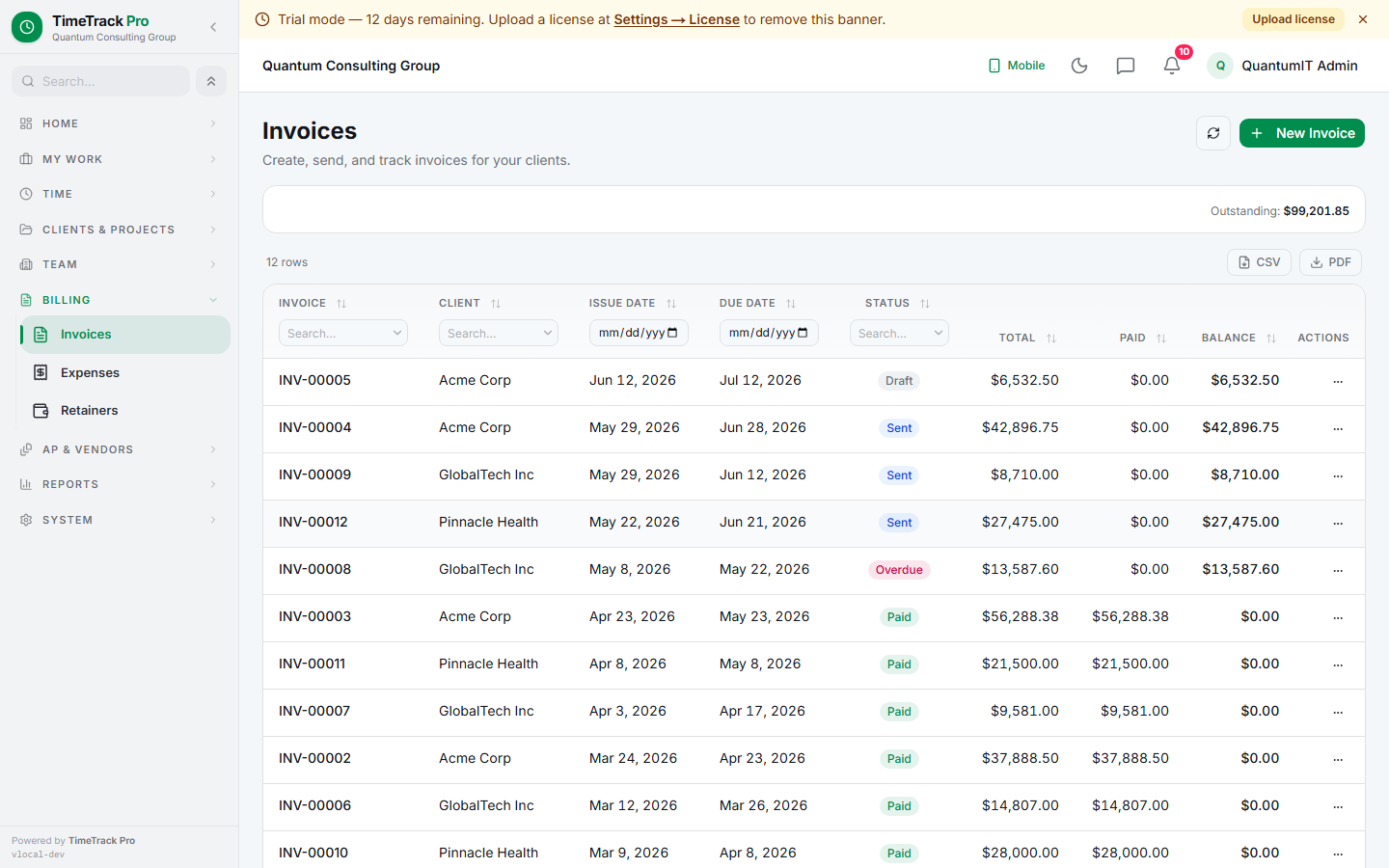
Generate invoices from approved hours. OT split, additional charges, expenses, and inbound POs all in one flow.
TimeTrack Pro rolls up approved time entries into invoices grouped by (employee, project) with Regular + OT split. Each (employee, project) becomes one invoice line carrying the hours, rate, and amount.
Generate Invoice — 6 steps
Pick the client
Date range
Review preview
Additional charges
Bundle expenses
Generate
po_number on each line prevents drift if the PO is edited later.Two invoice modes
Time-tracked (default)
Free-form
Invoice detail actions
- ✓Edit lines (staged-edit: Edit / Cancel / Save)
- ✓Regenerate PDF (Slate+Emerald branded)
- ✓Send via email with PDF + screenshots
- ✓Record payments — partial supported
- ✓Auto-flip to 'paid' when fully paid
- ✓Void or duplicate to a new draft
Email templates
Subject + body templates set per-tenant under Settings → Email → Invoice Templates. Use {invoiceNumber} + {clientName} + {total} placeholders. Per-send overrides on the Send Invoice dialog.
Service column + billable-parties picker
Free-form / additional-charges lines get an optional Service field — frozen text like "Sarah Connor", "Travel reimbursement", "Filing fee". The Generate dialog shows an autocomplete combobox fed by every user who's worked for the client, with their per-client cascaded rate auto-filled when picked. Free text always works too — for one-off charges that don't map to a specific person.
Attachments — auto + ad-hoc
The Send Invoice dialog auto-collects proof-of-work images from every linked time entry (screenshots + kiosk photos + per-session field photos). Per-photo checkbox lets admin select which ones to attach. Ad-hoc file uploads supported too — anything the client should receive alongside the PDF. 25 MB hard cap total. Image compression at send time (opt-out per tenant); originals stay on disk for re-download. Every send is persisted with a send_sequence so re-sends carry a distinct manifest and the audit trail shows every send separately.
Duplicate a past invoice
The Duplicate action on any invoice opens the Generate dialog pre-filled with the source's client + tax + notes + terms + manual lines as additional charges. Time-entry selection stays blank — admin picks fresh entries for the new period. Single mental model: "Duplicate makes a new invoice based on this one." Deactivated source-client blocks with a ValidationError.